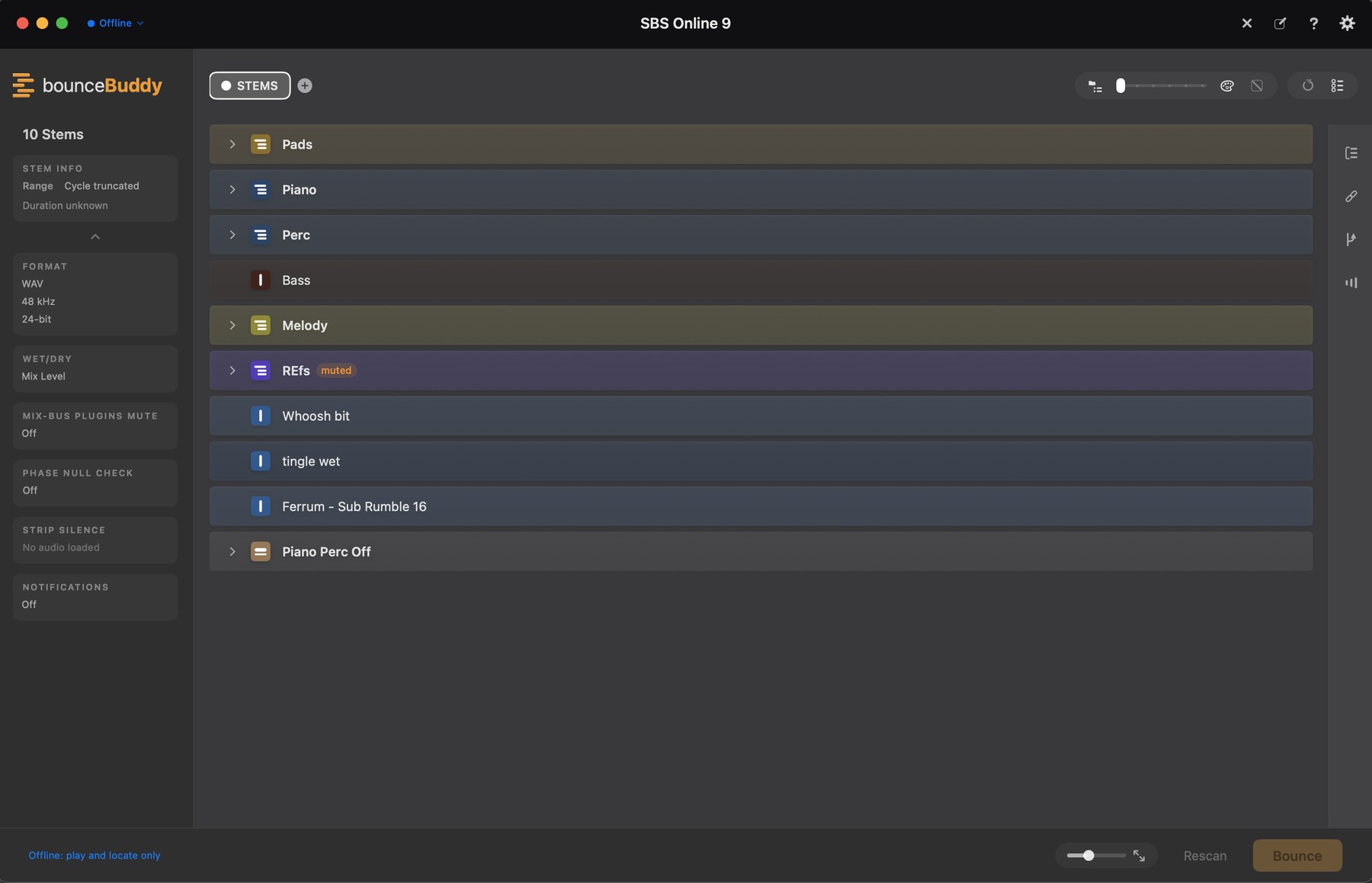
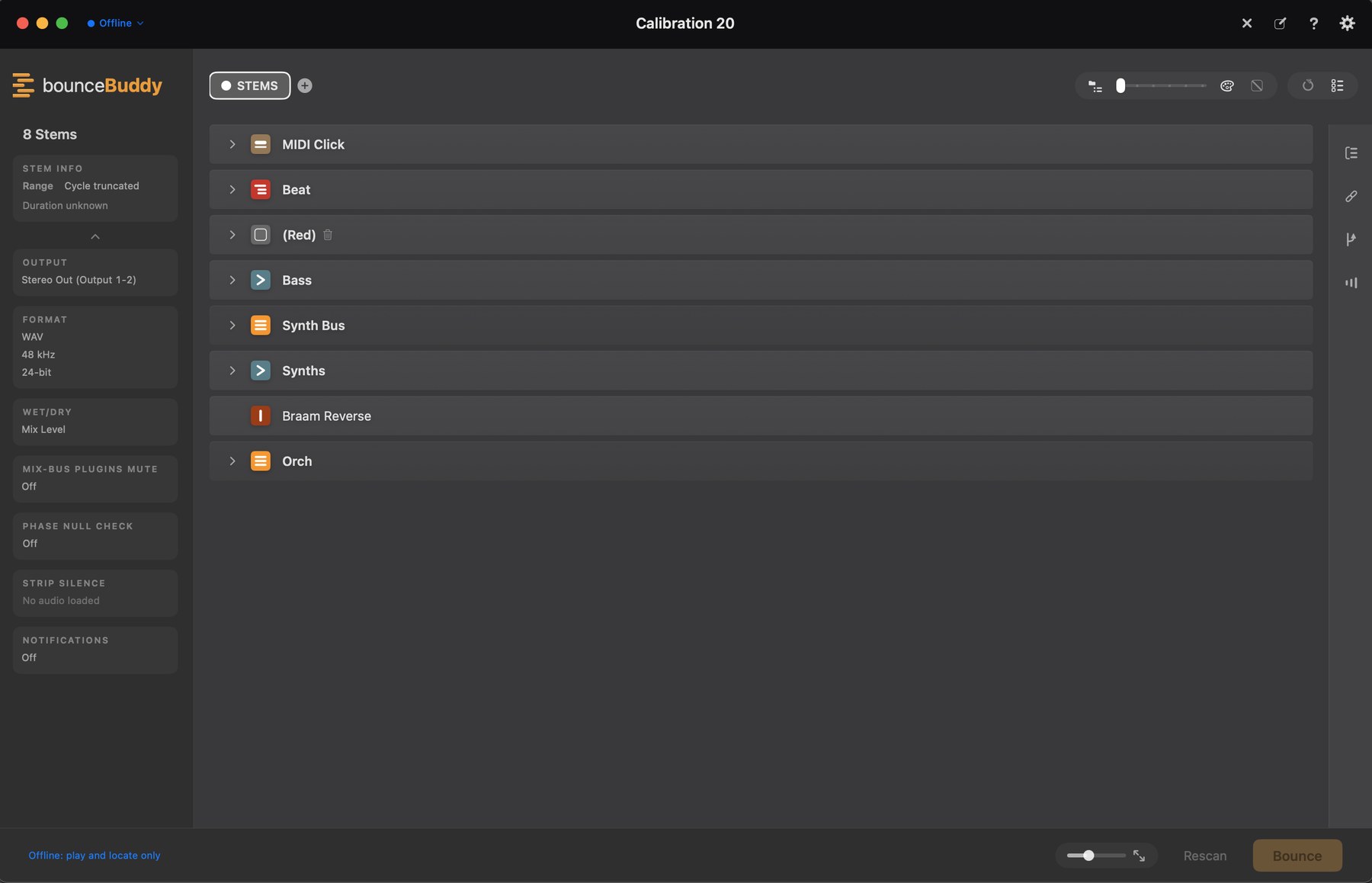
bounceBuddy automatically scans and bounces your Logic project, online or offline, organising every track and all of its nested routing. No templates needed: it adapts to every session and every user, automatically.
No pixel matching, no window flapping, no "hope the mixer was visible". It decodes Logic's own project file.
Every sidechain keeps working during isolated bounces. The feeder feeds the detector without printing into the stem. Trackspacer & co. included. Toggle per stem.
The full master tree with per-insert bypass toggles per version. Print without the limiter, keep the glue compressor.
Mix versions in one click, each bounced from its own cycle, section or individual marker. Different markers per version.
Bounced stems and versions render inside the app, waveforms and all. Play any stem soloed or all together as a mix. Snapshots keep every pass recallable.
Checked against track data and phase-cancel null-tested against the full mix. Length, size, peak & RMS per stem.
Offline for speed, or online in real time so a hybrid rig's hardware inserts and analog chains print into every stem. No re-patching.
Full mono stem export, split mono L/R and stereo pairs, with automatic mono→stereo when a mono source feeds a stereo FX return.
The nesting slider dials grouping density live, from a handful of grouped stems to fully flat. Auto-tidy folds big sessions toward a target count.
Kill latent noise and hum, shrink archives and uploads. Each stem can bounce only to its last region.
Zip & archive to multiple destinations, save the bounced state for recall, cherry-pick stems for AI-platform upload.
Every decision bounceBuddy makes (what the stems are, how they group, what shares a bus with what) is worked out from a duplicate of your project data, offline, before Logic is asked to do anything at all. bounceBuddy never writes to your project. The only thing that ever writes to it is Logic, and the only thing it writes is a save. The same one you'd have pressed yourself before handing the session to anybody.
Nothing in your arrangement is added, deleted, moved, renamed or re-routed. Not a track, not a region, not a send. During the bounce it does drive the things a bounce needs (mutes, solos, mix-bus plugins), and every one of them goes back the way it found it when the run finishes.
That's the whole reason it's built this way. A tool you have to check by hand afterwards isn't saving you anything.
Every build is checked against real sessions from my own work, with stem lists I've signed off by hand. If a single stem comes out different, that build doesn't ship.
Free beta · no subscription · macOS 14+ · Logic Pro 12+ recommended (works on 11+) · Logic in any of its languages